

(iPhone) Quick Guide: Our tips and suggestions guide for mileage tracking
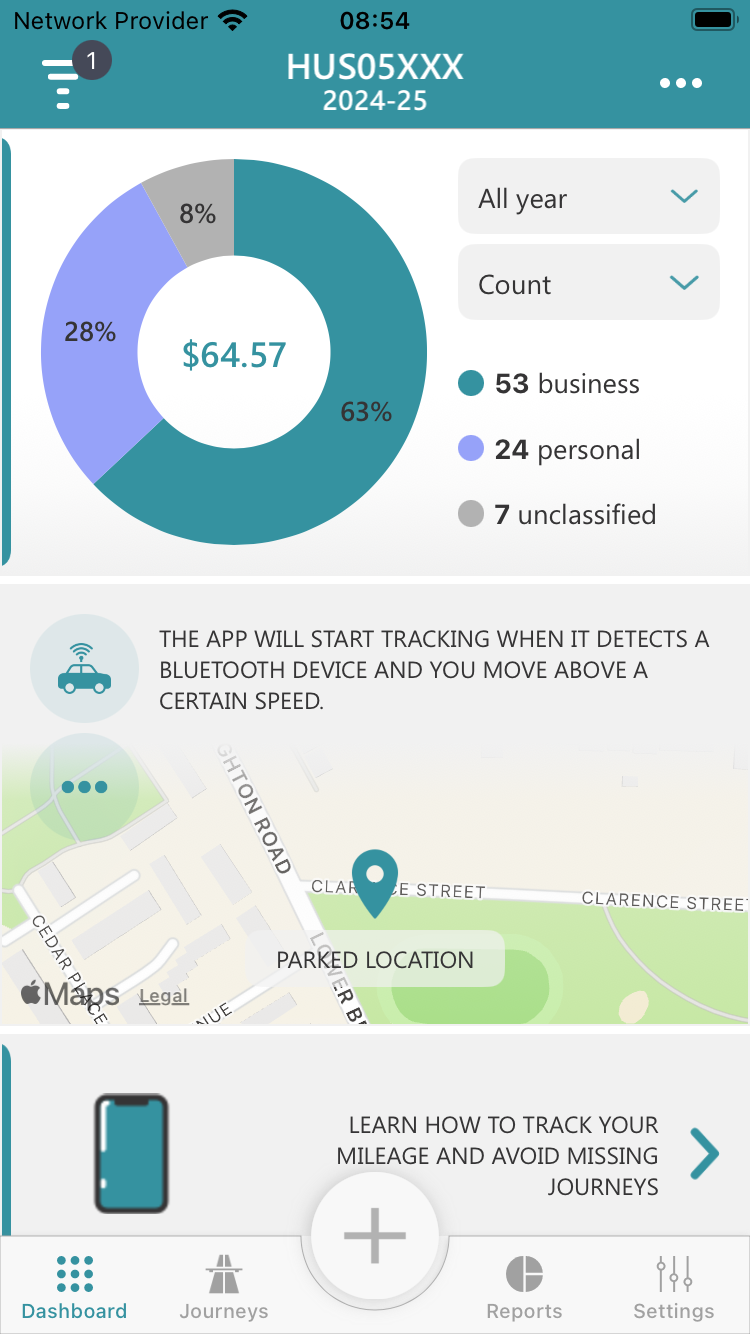
In the digital age, tracking mileage for business or personal use has never been easier, thanks to the Mileage Logbook app and our competitors. Mileage Logbook provides users with efficient ways to monitor and record their journeys, ensuring accurate and hassle-free mileage tracking. If you're using the app with either Auto Motion & Fitness mode or Auto Bluetooth mode, you're in for a treat. In this article, we'll delve into the essentials of using these features to get the most out of your mileage tracking experience.
Auto Motion & Fitness
This tracking mode utilizes the motion sensors in your iPhone to record your journeys. To ensure the best results, it's essential to follow some basic guidelines:
-
Don't handle your iPhone while driving
The app may stop tracking your journey if you handle your iPhone while driving. It's important to note that it is illegal to physically hold and use a phone, sat nav, tablet, or any device that can send or receive data, while driving or riding a motorcycle. -
Position your iPhone smartly
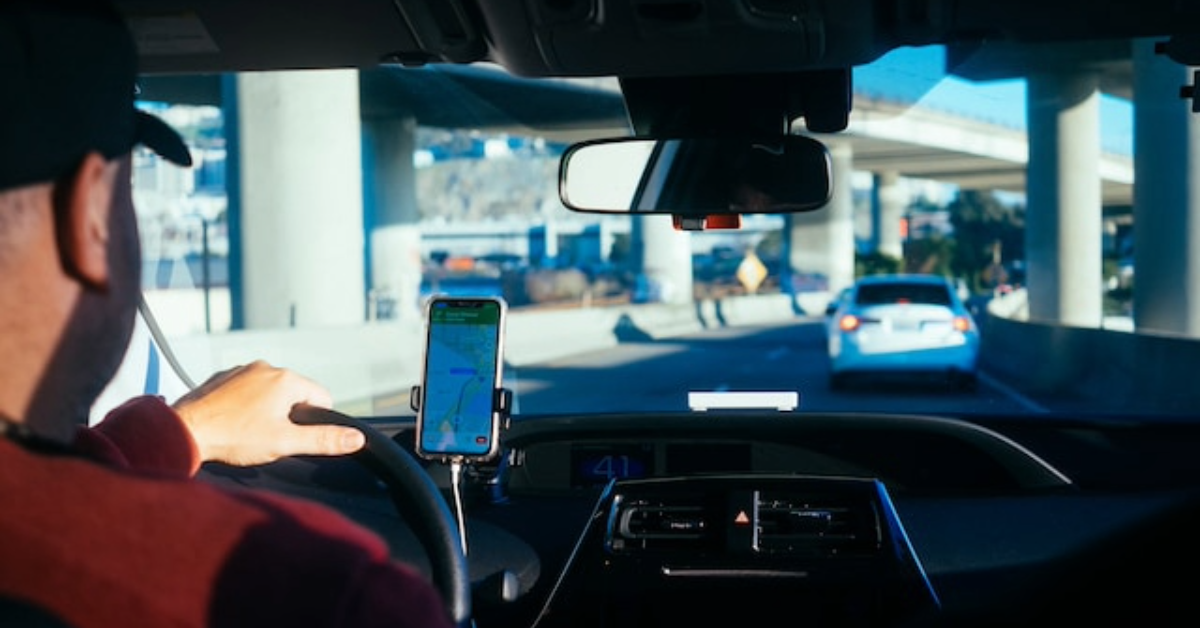
For optimal tracking, place your iPhone on the dashboard or beside you while driving, and avoid keeping it in your pocket or bag. Otherwise, the app may not gather enough motion data to calculate your direction or detect your journey while driving. -
Wait for motion data
After leaving your vehicle, be patient. The app will automatically end your journey once it captures sufficient motion data, usually within 10-50 seconds, depending on your iPhone model. Alternatively, you can manually stop recording the journey by opening the app.
Troubleshooting issues with motion detection
There may be instances where the app doesn't end the journey due to difficulties in detecting your motion when you walk. This issue doesn't always happen but according to the support requests we received since 2019, we realised that iPhone may struggle to collect your motion data when you leave your vehicle. In such cases, the app will continue running in the background, and the next journey most likely won't be tracked by the app. It's important to note that the app shouldn't be blamed for this; it's a matter of simple logic—no motion data by iPhone, no 'auto stop tracking'.
If, after 2-3 minutes, you don't receive an end journey notification, you should open the app and manually stop the recording process. Rest assured, you won't have to manually stop the recording process every time you leave your vehicle. However, if you find yourself having to do so regularly, please ensure that you follow the tips above. Following them should allow the app to automatically end journeys without any issues.
Auto Bluetooth
This tracking mode is designed to connect the app to your vehicle's Bluetooth system, allowing it to track journeys for a specific vehicle. Here are some essential tips for seamless mileage tracking with Auto Bluetooth:
-
Prevent conflicting apps
If the app is unable to connect to your Bluetooth device, check if other apps are connected to it. Disconnect other apps one by one, and if Mileage Logbook tracks your journey after disconnecting one of them, you'll identify the conflicting app. -
Wireless connection for CarPlay
If your Bluetooth connection is CarPlay, please note that the app requires a wireless connection to track your mileage. iOS restricts third-party apps from connecting to wired CarPlay connections. Therefore, always use a wireless connection when using CarPlay for seamless mileage tracking.
Troubleshooting issues with Bluetooth
Whether you are using a vehicle built-in Bluetooth, CarPlay, or a third-party hands-free device, you may consider reaching out to the device manufacturer for additional assistance. They can provide guidance on using their device in conjunction with Mileage Logbook. Please note that we do not provide support for connection issues.
Conclusion
In conclusion, Mileage Logbook offers a diverse range of tracking modes to simplify your mileage logging. Like the thousands of satisfied subscribers who have already found success with Mileage Logbook, you too will enjoy a seamless and efficient way to track your mileage.
Should you ever need assistance, even after following our quick guide tips, please don't hesitate to create a support ticket within the app or connect with us on social media. We're always here to assist you. Happy tracking, and if you are using Mileage Logbook, we'd greatly appreciate your feedback by leaving a review on the Apple Store!